
How to turn a WordPress post into a podcast episode
Five steps, about five minutes, and no recording gear. Your post becomes a short conversation between two hosts, with a player at the top of the post.
The video above shows the whole thing in 50 seconds. The steps below are the same, written out.
What you need
- A WordPress site where you can install plugins.
- A published post or a draft with text in it.
- About five minutes for the first episode. After setup, each new one is one click.
1. Install the plugin
In your WordPress admin, go to Plugins → Add New, search for Post2Podcast, then install and activate it. It is free to install and the first 10 episodes cost nothing.
2. Connect your site
Open Post-to-Podcast in the admin menu and follow the setup step. It asks you to create a WordPress Application Password in your user profile and paste it in. The service uses it for one thing: saving the finished MP3 into your own media folder.
3. Open a post and pick two voices
Edit any post and find the Podcast Settings box. The language of the post is detected for you. For each of the two speakers, choose a voice (the play button previews it) and write a line of speaking instructions, such as "host asking good questions" for one and "calm expert answering" for the other.

4. Click Generate Audio
Post2Podcast does not read the article word for word. It writes a short conversation between the two hosts about your post, then voices it. This usually takes 30 seconds to 2 minutes; very long posts can take up to 5 minutes. You can stay on the page and watch the progress.

5. Check the post
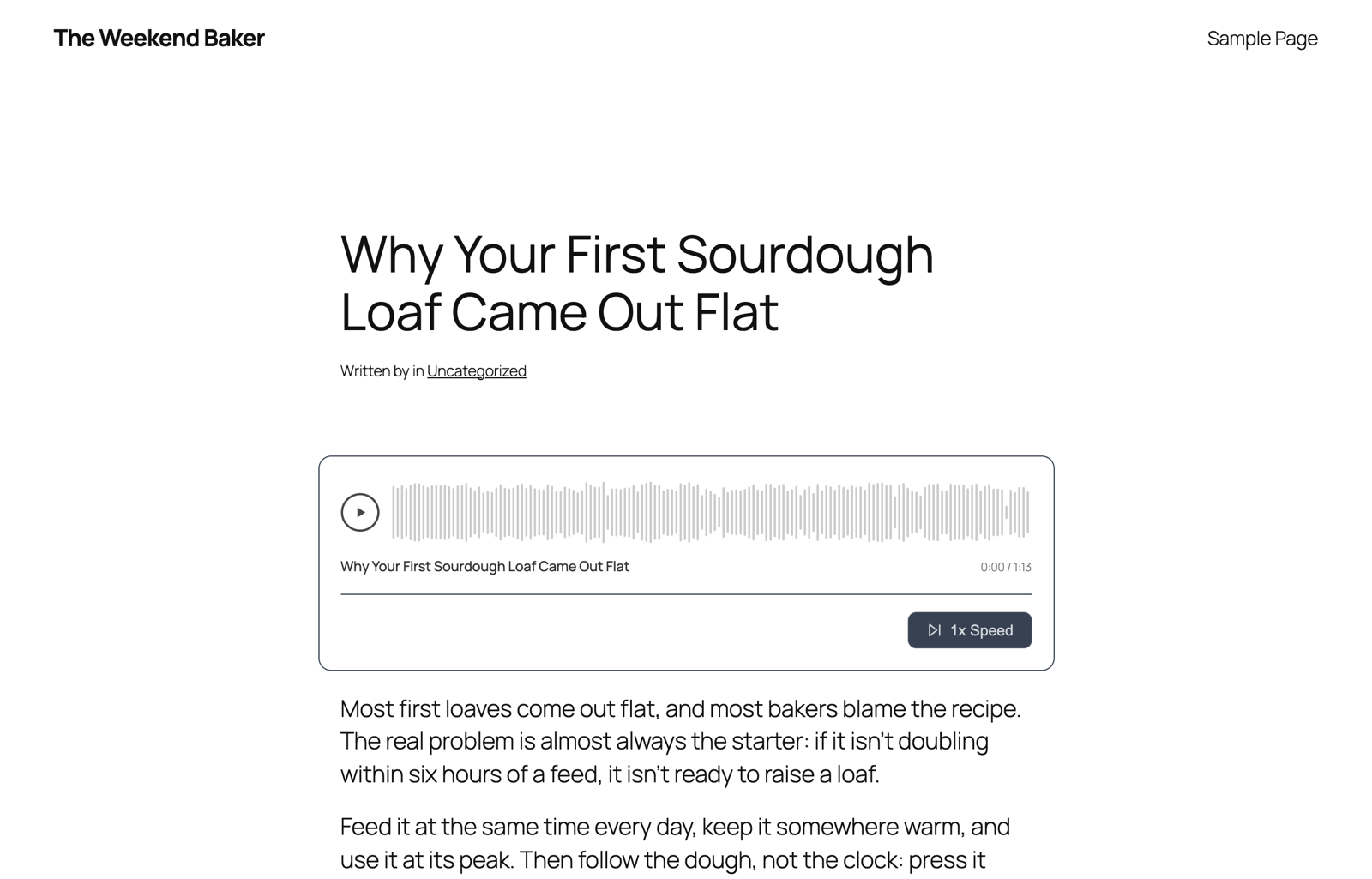
Open the published post. The player sits at the top, with a waveform, 1.5x and 2x speed, and the episode length. The MP3 lives in your WordPress uploads folder, so it is in your normal backups and keeps working even if you later stop using the plugin's service.
Tips for a better episode
- Give the hosts different roles. One who asks, one who explains. Two identical instructions give a flatter conversation.
- Posts with a clear point work best. Tutorials, news, reviews and opinion pieces turn into good conversations. A page that is mostly tables or code does not.
- Don't like the result? Change a voice or the instructions and generate again. The earlier version stays in the version history, so you can go back.
- Want the text too? Every episode has a transcript you can download.
What it costs
Free covers 10 episodes of up to 2 minutes each, with all voices and languages. PRO is $19.90 a month for 300 episodes with no length limit, plus bulk and automatic generation. If you cancel, your episodes stay on your site.
Next: add an audio version to every post, old and new.
Try it on your own post
The first 10 episodes are free (up to 2 minutes each). No card needed.
Get Post2Podcast on WordPress.org